Skip to content
Customers judge a business in seconds.
Before they read a single word, they notice the logo, the colours, the fonts and the images.
A clear and consistent visual identity makes a small business look trustworthy and professional, and helps people remember it.
A messy one, with a different look on every channel, makes even a great business seem uncertain.
In this guide we explain what a visual identity includes, how to create one without wasting money, and how to use it consistently.
Logo, brand and visual identity: what is the difference?
These words are often mixed up.
- The brand is how people feel about your business: your reputation, values and the experience you give.
- The visual identity is the set of visual elements that express the brand: logo, colours, fonts, images, icons and layout.
- The logo is one part of the visual identity, the symbol or wordmark that identifies you.
A logo alone does not make a brand, but a good visual identity makes your brand easier to recognise and trust.
What a visual identity includes
Logo and variations
You need more than one version of the logo.
A main version, a simplified version or icon for small spaces, a version for dark backgrounds and a one-colour version for stamps, embroidery or engraving.
The icon version is also used for your website favicon and social media profile pictures.
Colour palette
Choose one or two main colours and a few supporting colours, including neutral tones for backgrounds and text.
Write down the exact colour codes for screen (HEX and RGB) and print (CMYK), so everyone uses the same shades.
Typography
Pick one font for headings and one for body text, or one font family with several weights.
Make sure the fonts work on the web, are easy to read on a phone and have the characters you need, such as Danish and Spanish letters.
Imagery
Decide what kind of photos and illustrations fit your brand: bright or moody, people or products, real photos or illustrations.
Consistent imagery is one of the fastest ways to make a website and social media look professional.
Icons and graphic elements
Simple icons, shapes, patterns or lines can tie everything together, from your website to your packaging.
Tone of voice
Strictly speaking it is not visual, but how you write is part of your identity.
Formal or relaxed, playful or serious, it should match the look.

What makes a good logo?
- Simple.
The best logos can be recognised at a glance and drawn from memory. - Works small.
It must be readable as a tiny icon in a browser tab and on a phone. - Works in one colour.
If it only works in full colour, it will cause problems on invoices, stamps and merchandise. - Fits your business.
A law firm, a children’s shop and a surf school need different styles. - Timeless.
Trends come and go, and a logo should last many years. - Your own.
Avoid copying well-known logos, and check that the name and symbol are not protected trademarks.
Choosing colours with care
Colours affect how people feel about a business, even if they do not notice it.
Blue often feels calm and trustworthy, green feels natural and fresh, red feels energetic and urgent, and black feels premium and serious.
These associations are not rules, and they vary between cultures, but they are worth thinking about.
More important than the exact colour is contrast: text must be easy to read, buttons must stand out, and the colours must work for people with colour vision deficiencies.
Test your palette on real web pages, not only on a white sheet of paper.
How to create a visual identity
- Define your brand.
Write down who your customers are, what makes you different and three words that describe how you want to be seen. - Look at the competition.
Collect logos and websites from competitors, so you can stand out rather than blend in. - Collect inspiration.
Save examples of colours, fonts and styles you like, also from other industries. - Sketch and design.
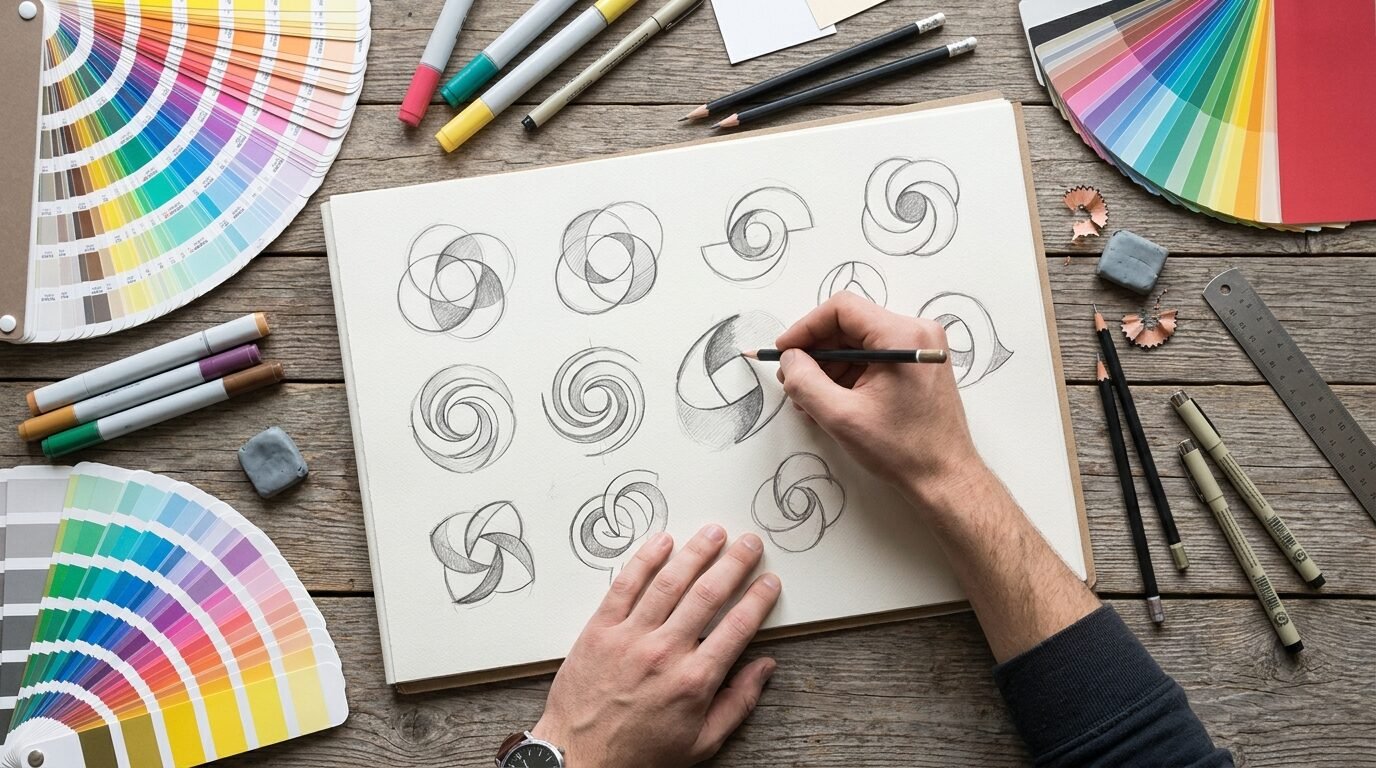
A designer develops a few logo directions, then refines the best one. - Test in real situations.
See the logo on a website header, a phone screen, a van, a business card and a social media profile before you decide. - Build the full kit.
Create the logo variations, colour palette, fonts and simple templates. - Write short guidelines.
Collect the rules in a simple document, so everyone uses the identity correctly.
DIY, freelancer or agency?
Online logo makers and AI tools can produce something quickly and cheaply.
They can be fine for testing an idea, but the results are often generic, hard to protect and rarely come with a complete set of files and variations.
A freelance designer or agency costs more, but gives you a unique design, proper files and advice on how to use them.
For a business you plan to grow, a professional identity is usually worth the investment.
Ask to see previous work, agree on the number of design rounds, and make sure you receive the rights and all file formats.
What does a visual identity cost?
Prices vary with the scope and the designer’s experience.
A simple logo with a few variations from a freelance designer can cost a few hundred euros.
A full identity with logo, colours, fonts, templates and guidelines often costs from around a thousand euros and up, and large agency projects much more.
Compare what is included rather than just the price: the number of concepts, rounds of changes, file formats, templates and the rights to the final design.
Protect your logo
Once you have invested in a name and a logo, consider registering them as a trademark.
In the EU you can register a trademark that covers all member states through the EUIPO, or register nationally in the countries where you work.
A registered trademark makes it easier to stop others from using a similar name or logo, for example on marketplaces or social media.
Make sure your contract with the designer transfers the rights to you.
The files you should receive
- Vector files such as SVG, EPS or PDF, which can be scaled to any size without losing quality.
- PNG files with transparent backgrounds for websites and documents.
- Versions in colour, black and white.
- A square icon for social media and favicons.
- A document with colour codes, fonts and basic rules.
Store them in a shared folder that everyone in the business can find.
It saves a lot of time when a printer, a partner or a new website project asks for “the logo in high resolution”.
Use the identity everywhere
A visual identity only works if it is used consistently.
- Website, webshop and online forms.
- Social media profiles, posts and ads.
- Email signatures and newsletters.
- Invoices, quotes and presentations.
- Business cards, signs, vehicles and workwear.
- Packaging, labels and thank-you cards.
Simple templates for social posts, presentations and documents make it easy for everyone in the team to stay on brand.
When is it time for a refresh?
Consider updating your identity if the logo does not work on mobile, if it looks dated next to competitors, if your business has changed direction, or if every channel looks different.
A refresh does not always mean starting over.
Often a cleaner version of the existing logo, a modern font and a stricter colour palette are enough to look professional again while keeping the recognition you have built.
Visual identity on a small budget
If the budget is tight, prioritise.
Invest in a simple, professional logo with the right files first, because everything else is built on it.
Choose two colours and one or two free web fonts, and use them strictly everywhere.
Make three or four templates in a free design tool for your most common needs, such as social posts, offers and presentations.
Take your own photos in good daylight with a consistent style, rather than mixing many different stock images.
Consistency with simple elements looks more professional than an expensive logo used in ten different ways.
A visual identity checklist
- Do you have the logo in vector format, in colour, black and white?
- Is there a square icon for social media and the website favicon?
- Are your colour codes and fonts written down?
- Do the website, social media and printed material look like the same business?
- Do you own the rights to the logo, and have you checked trademarks?
Common mistakes
- A detailed logo that disappears when it is small.
- Too many colours and fonts.
- Only having the logo as a low-resolution JPG.
- Choosing design based only on personal taste, not on customers.
- Using a different look on the website, social media and print.
- Not owning the rights to your own logo.
Need help with your logo or visual identity?
Our graphic designer creates logos, colour palettes, templates, banners and brand material for businesses across Europe, and we make sure everything works on your website and social media too.
See our logo and graphic design prices or contact us for a free chat.