Skip to content
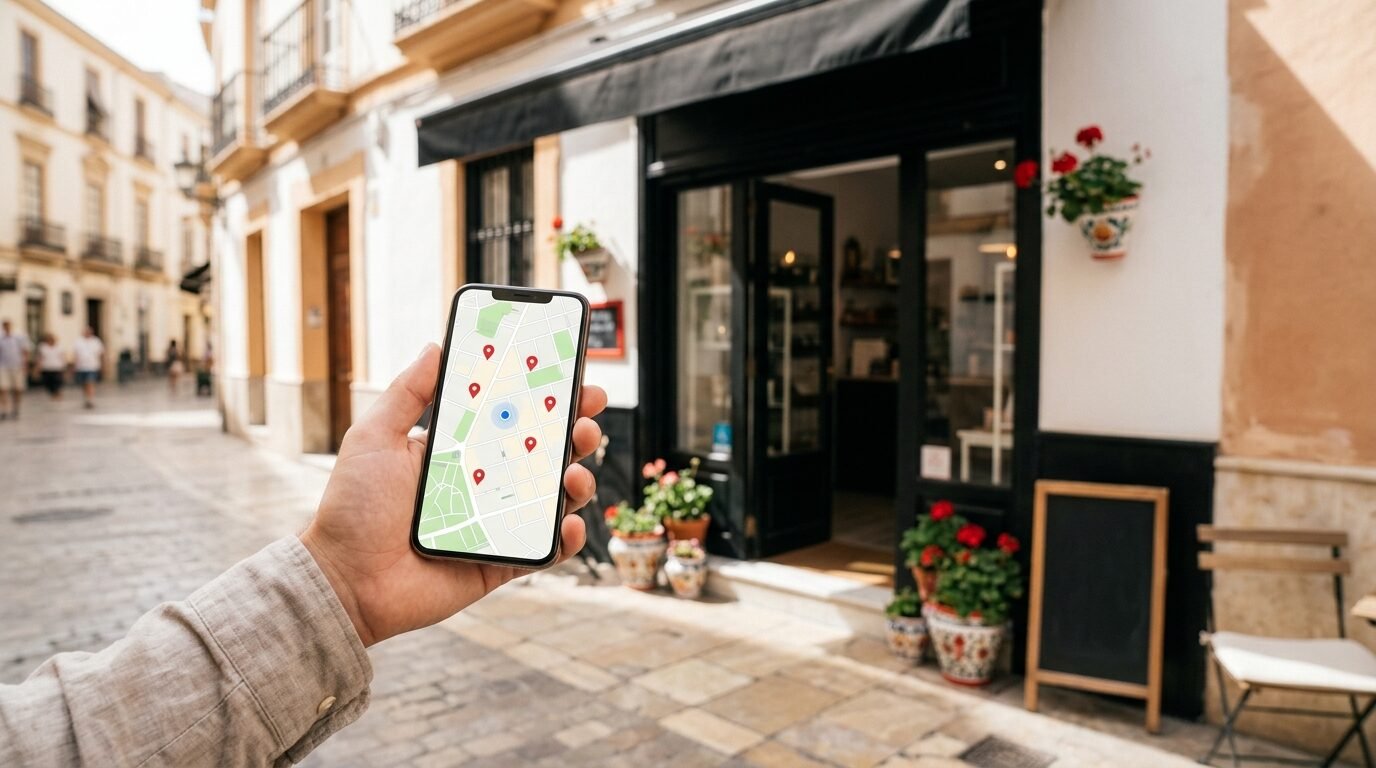
When someone searches for “restaurant near me”, “plumber in Málaga” or “dentist Copenhagen”, Google shows a map with three local businesses at the top.
Those three places get a large share of the clicks, calls and visits.
The tool that decides whether your business appears there is your Google Business Profile.
It is free, it takes less than an hour to set up properly, and it is one of the most effective marketing tools for any business that serves customers in a specific area.
In this guide we show you how to set it up, how to optimise it, and how to use it as part of your local SEO.
What is a Google Business Profile?
A Google Business Profile, earlier called Google My Business, is your business listing on Google Search and Google Maps.
It shows your name, address or service area, phone number, opening hours, website, photos, reviews and much more.
For many customers, it is the first impression of your business, even before they visit your website.
A complete and active profile tells Google that your business is real, relevant and trusted, which helps you rank higher in local results.
Who needs a Google Business Profile?
Almost every business that meets customers in person, or serves customers in a specific area, should have one.
That includes shops, restaurants, hotels, clinics, gardeners, electricians, real estate agents, lawyers, accountants and agencies.
Online-only businesses without any physical location or service area cannot create a normal profile, but they can still benefit from local SEO on their website.
If you serve customers in several countries, you can have a profile for each real location where you have staff or meet customers.

How to set up your profile step by step
- Go to Google Business Profile.
Sign in with a Google account that belongs to the business, not a private account you may lose access to. - Search for your business.
If it already exists on Google Maps, claim it.
If not, create a new profile. - Choose the right primary category.
This is one of the most important ranking factors, so pick the category that describes your main service most precisely. - Add your address or service area.
If customers visit you, show your address.
If you visit customers, hide the address and add the cities or regions you serve. - Add phone number and website.
Use a local number if possible, and link to the most relevant page on your website. - Verify the business.
Google may ask for verification by video, phone, email or postcard.
Follow the steps carefully, because an unverified profile has little visibility.
How to optimise your profile
Use your real business name
Write your business name exactly as it appears on your sign, website and documents.
Adding extra keywords to the name, such as “Best Cheap Plumber Málaga”, breaks Google’s guidelines and can get your profile suspended.
Choose additional categories
After the primary category, add a few secondary categories that cover your other main services.
Do not add categories that are only loosely related, because that can confuse Google about what you do.
Write a helpful description
You have 750 characters to describe your business.
Explain what you do, who you help, and where you work.
Mention your main services naturally, without stuffing keywords.
Write it in the language your customers search in, and consider adding a second language if you serve international customers.
Add services and products
List your services with short descriptions and, if you want, prices.
For shops, add your main products with photos.
This gives Google more information about your business and can help you show up for more searches.
Upload good photos
Profiles with many real photos get more clicks and requests than profiles without.
Add your logo, a cover photo, photos of your premises, your team, your products and examples of your work.
Add new photos regularly, for example once or twice a month.
Keep opening hours correct
Wrong opening hours are one of the most common reasons for bad reviews.
Update special hours for holidays, and remember local holidays in each country or region where you work.
Reviews: the most powerful local signal
Reviews influence both your ranking and whether people choose you.
The number of reviews, the average rating, how recent they are and whether you reply all matter.
- Ask every happy customer.
Send a short message with a direct link to your review form right after a job or purchase. - Make it easy.
Use a QR code on receipts, invoices and in your shop. - Reply to all reviews.
Thank people for positive reviews, and answer negative reviews calmly and professionally. - Never buy or fake reviews.
It breaks Google’s rules and EU consumer law, and Google regularly removes fake reviews and can restrict your profile. - Do not offer rewards for reviews.
Asking is fine, but paying or giving discounts for reviews is not allowed.
Posts, questions and messages
You can publish posts on your profile with news, offers, events and new products.
Posts show that your business is active, and they give customers a reason to click.
Keep an eye on the questions and answers section, and add answers to the questions customers ask most often.
If you turn on messaging or bookings, make sure someone replies quickly, because slow replies can hurt your visibility.
Local SEO beyond your profile
Your Google Business Profile works best together with a website that supports it.
- Consistent name, address and phone.
Use exactly the same details on your website, profile, social media and directories. - Local landing pages.
If you serve several cities, create a useful page for each area with real information, examples and reviews from that area. - Local directories.
List your business in trusted directories and portals in your country and industry. - Local links.
Links from local news sites, partners, associations and events show Google that you are part of the local community. - Structured data.
Add LocalBusiness schema to your website so search engines can read your address, hours and contact details. - Mobile speed.
Local searches are mostly done on phones, so a fast mobile website is essential.
Several locations or several countries
If your business has more than one location, each location should have its own profile with its own address, phone number, opening hours and photos.
Link each profile to a matching location page on your website, not just the homepage.
Use the same brand name on all profiles, so customers recognise you everywhere.
If you work in more than one country, write each profile in the main language of that country, and make sure the website page it links to is in the same language.
Google treats each location separately, so reviews and activity need attention on every profile, not only the main one.
With many locations, it is a good idea to manage them in a business group in Google Business Profile.
That way several people can help without sharing passwords, and you can remove access when an employee leaves.
Always keep at least two owners on each profile, so you never lose control of it.
A simple monthly routine
A Google Business Profile is not something you set up once and forget.
Spend thirty minutes a month on these tasks, and your profile will stay active and competitive.
- Reply to every new review and every new question.
- Upload three to five new photos of your work, team or products.
- Publish at least one post with news, an offer or a useful tip.
- Check that opening hours, holidays, services and prices are correct.
- Look at the performance numbers and compare them with last month.
- Send review requests to the customers you helped during the month.
Businesses that follow a routine like this usually see a steady increase in calls, direction requests and website visits over a few months.
The effect builds over time, because Google rewards profiles that are complete, accurate and active.
How to measure results
Google Business Profile shows how many people found your profile, how they searched, and how many called, asked for directions or visited your website.
Add UTM parameters to your website link, so you can see visits from your profile separately in Google Analytics.
Follow the numbers month by month, and connect them to real calls, bookings and sales.
How long does it take?
A new or neglected profile can start to show results within a few weeks after it is completed and verified.
Strong positions in competitive areas usually take several months of reviews, posts and website work.
Be patient, stay consistent, and focus on giving customers good reasons to choose you.
Common mistakes
- Using a private Google account that the business can lose access to.
- Choosing a broad category instead of the most precise one.
- Keyword stuffing in the business name.
- Not replying to reviews, especially negative ones.
- Different addresses or phone numbers on the website and the profile.
- Setting up the profile once and never updating it again.
Want more local customers?
We help businesses set up and optimise their Google Business Profile, build local landing pages and get listed in the right directories and portals.
We work online with businesses all over Europe, in English, Spanish and Danish.
See our SEO prices or contact us for a free check of your current profile.